Be in the shot.
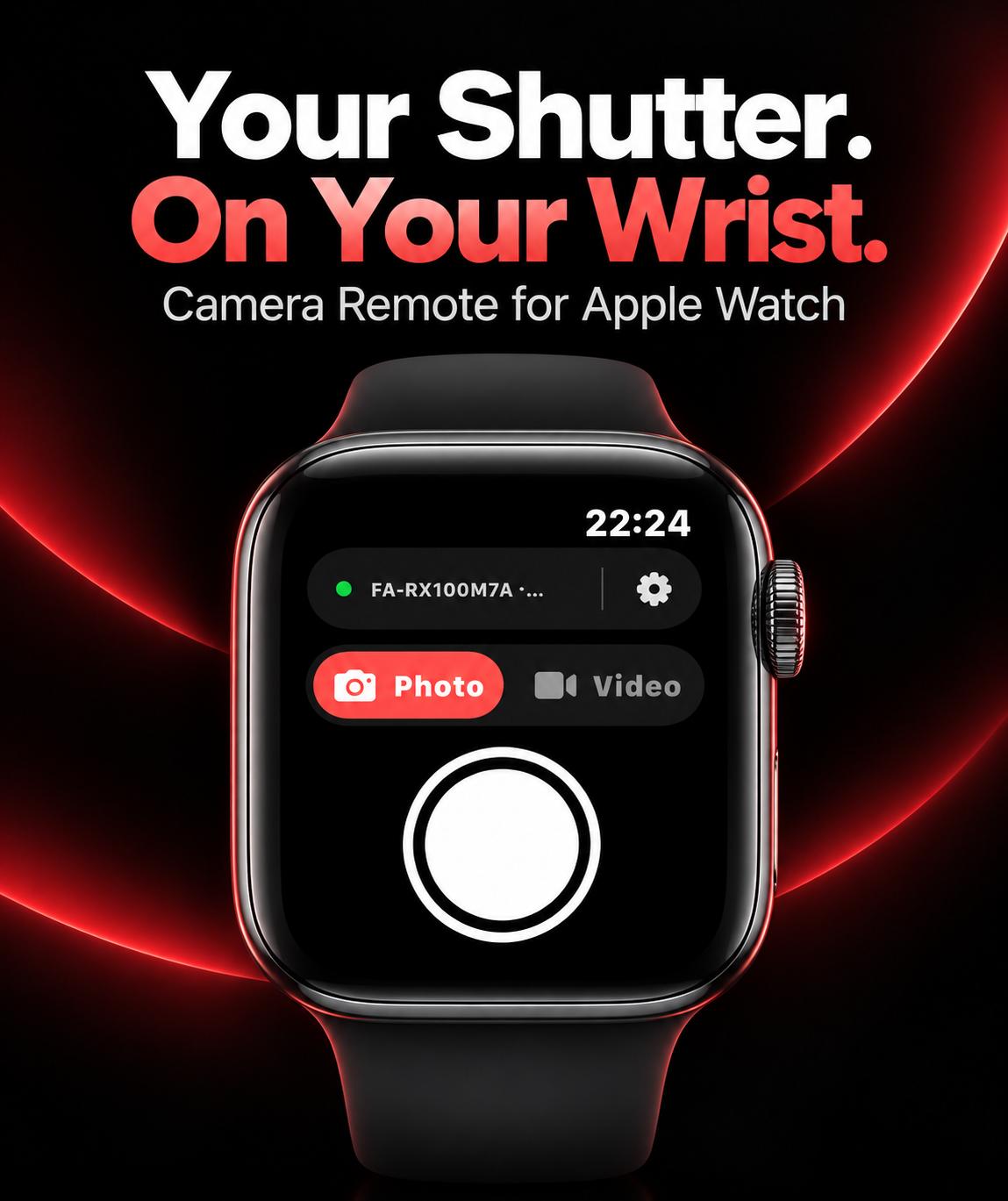
Choose Photo Mode and tap the shutter. A three-second countdown gives you a moment to get ready.
Made for the moment
Camera Remote for Apple Watch
Step into the frame. Take a photo or start recording on your compatible camera, directly from your Apple Watch.
Watch-only · watchOS 10 or later · Compatible camera required
Less reaching. More creating.
Choose Photo Mode and tap the shutter. A three-second countdown gives you a moment to get ready.
Start recording after the countdown. Tap again to stop immediately, right from your wrist.
WristShutter automatically reconnects to your previously paired camera when it’s available.
Just you and your camera
No accounts, analytics, advertising, or tracking. Bluetooth commands stay between your watch and camera.
Requires a compatible Bluetooth camera. The project’s documented hardware testing covers Sony RX100M7A; other models are not guaranteed.
Check setup and compatibility ↗